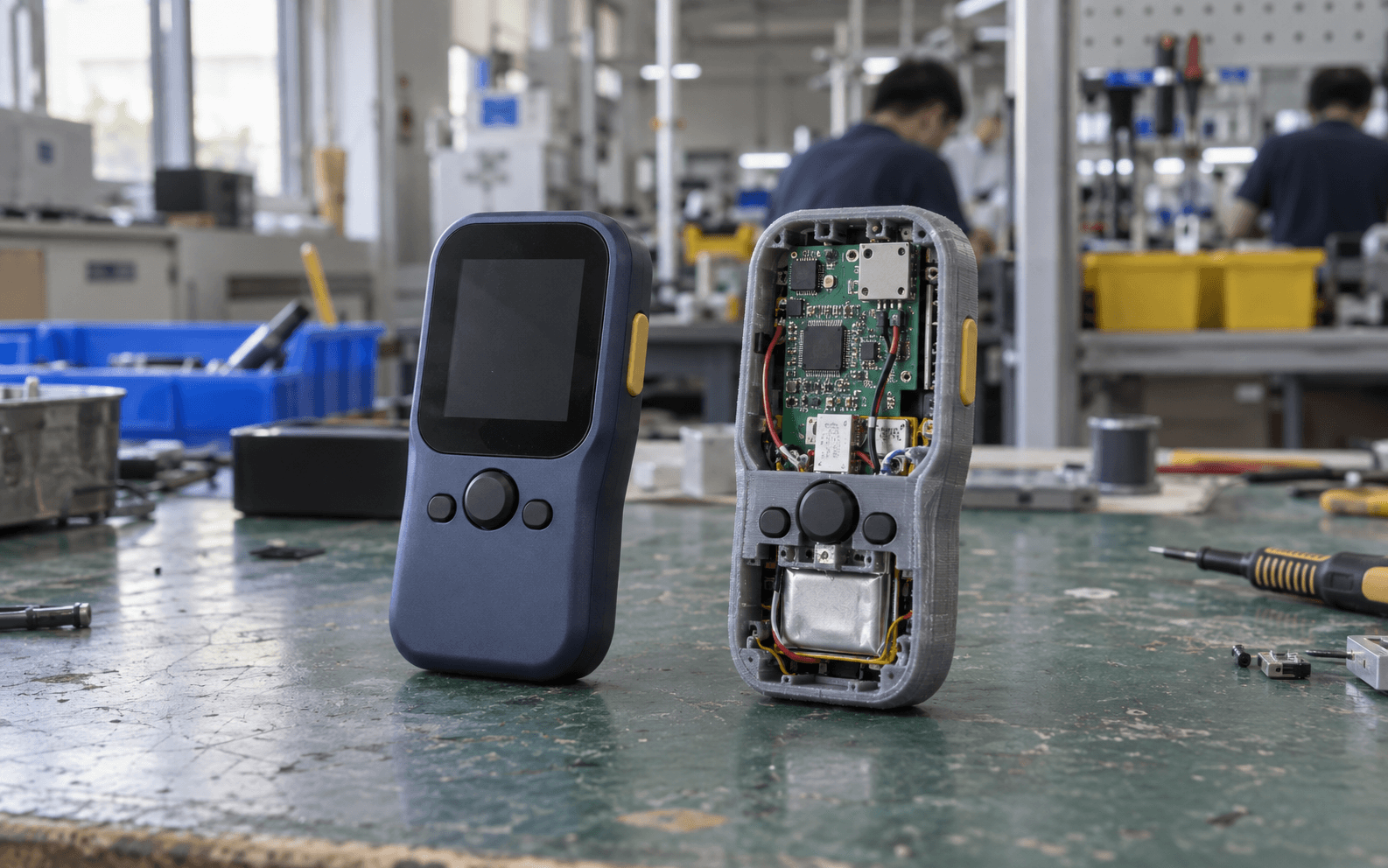
Early in a hardware project, it's usually easier to build two different prototypes than one that does everything. Hardware people call them looks-like and works-like.
Looks-like prototype
What it is: a model that looks and feels like the final product (shape, size, colour, texture, weight), but doesn't necessarily do anything.
What it's for:
- testing how it feels in the hand and looks on a desk
- photos, renders, investor meetings and crowdfunding pages
- getting feedback from potential customers
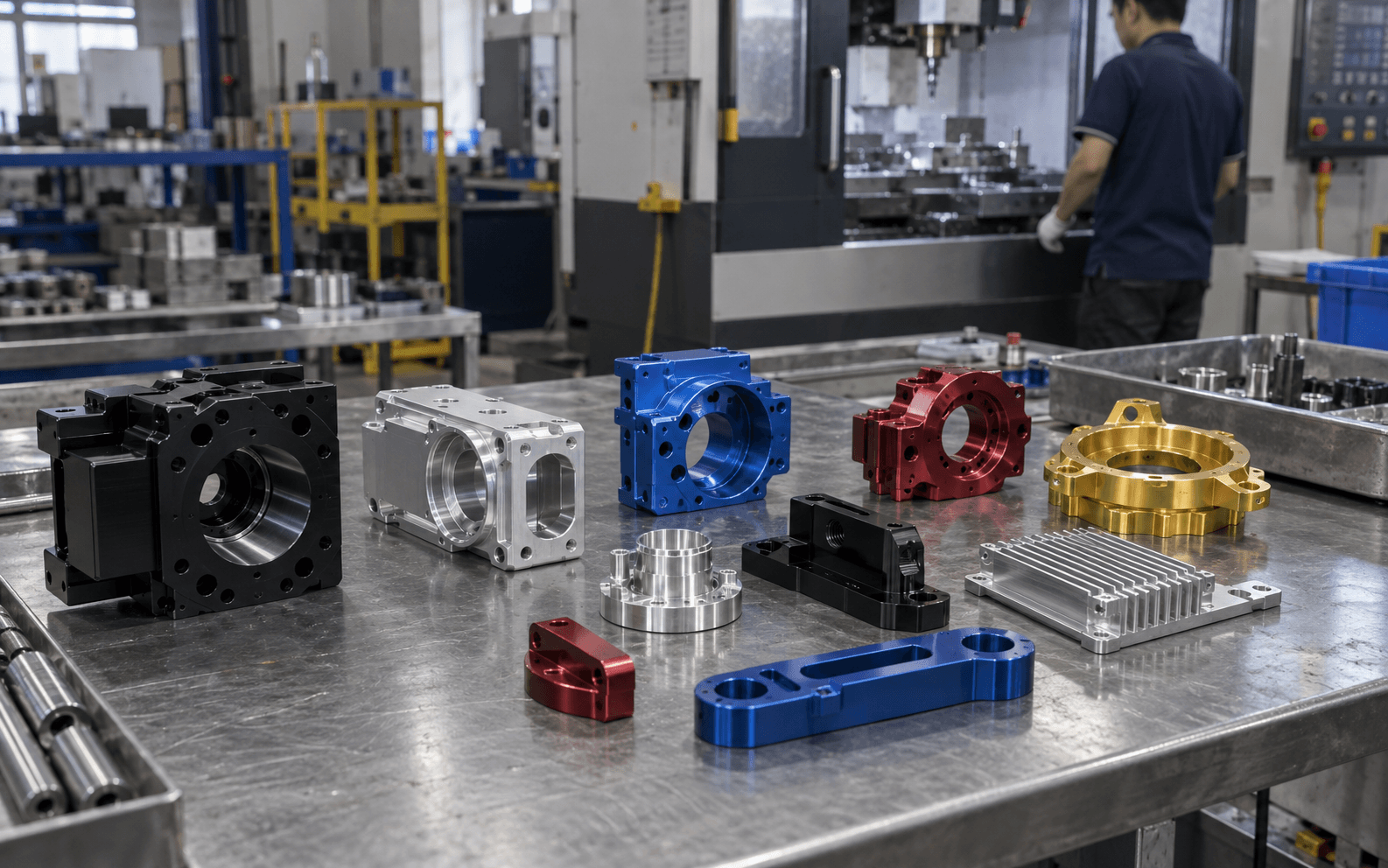
How it's made: usually CNC machining or SLA 3D printing, then painted and finished by a prototype shop.
Works-like prototype
What it is: something that proves the product works: the electronics, sensors, motors and software. It may look like a tangle of dev boards and wires in a 3D-printed box.
What it's for:
- proving the technology and the user experience
- testing battery life, range, performance
- developing the firmware
How it's made: development boards, early custom PCBs, printed or machined housings, off-the-shelf parts from places like Huaqiangbei.
Why build them separately?
Because they answer different questions, and each is faster and cheaper when it doesn't have to answer both. Squeezing working electronics into a beautiful case too early slows everything down.
Bringing them together
Later, you build a prototype that both looks and works like the product: custom circuit boards inside a housing that's close to production. That's the start of your engineering builds (see EVT, DVT, PVT explained).
Next steps
Updated 29 September 2026